Open source · Kotlin Multiplatform
Let your app use the web.
Automate web pages on Android, iOS and desktop with one Kotlin API, or hand the controls to an AI agent.
Write it once. Run it everywhere.
Describe the steps in plain Kotlin that reads like what a person would do. The same function runs on every device.
- Find things by their label, role or text
- Waits for the page on its own
- Checks retry until they pass
commonMain · write once
suspend fun signUp(page: Page) = with(page) { getByLabel("Email").fill("ada@example.com") getByRole("button", name = "Sign up").click() expect(getByText("Welcome, Ada")).toBeVisible()}run it on
Browser(AndroidPlatformContext(activity, webView)).use { signUp(it.page())}Write it yourself. Or let AI do it.
Same page, two ways to drive it. Mix them however you like.
You write the steps
Use the Kotlin API when you know the page and want the same result every time.
with(page) { getByPlaceholder("Search").fill("kotlin") getByRole("button", name = "Search").click() expect(getByRole("listitem")).toHaveCount(10)}An AI agent takes over
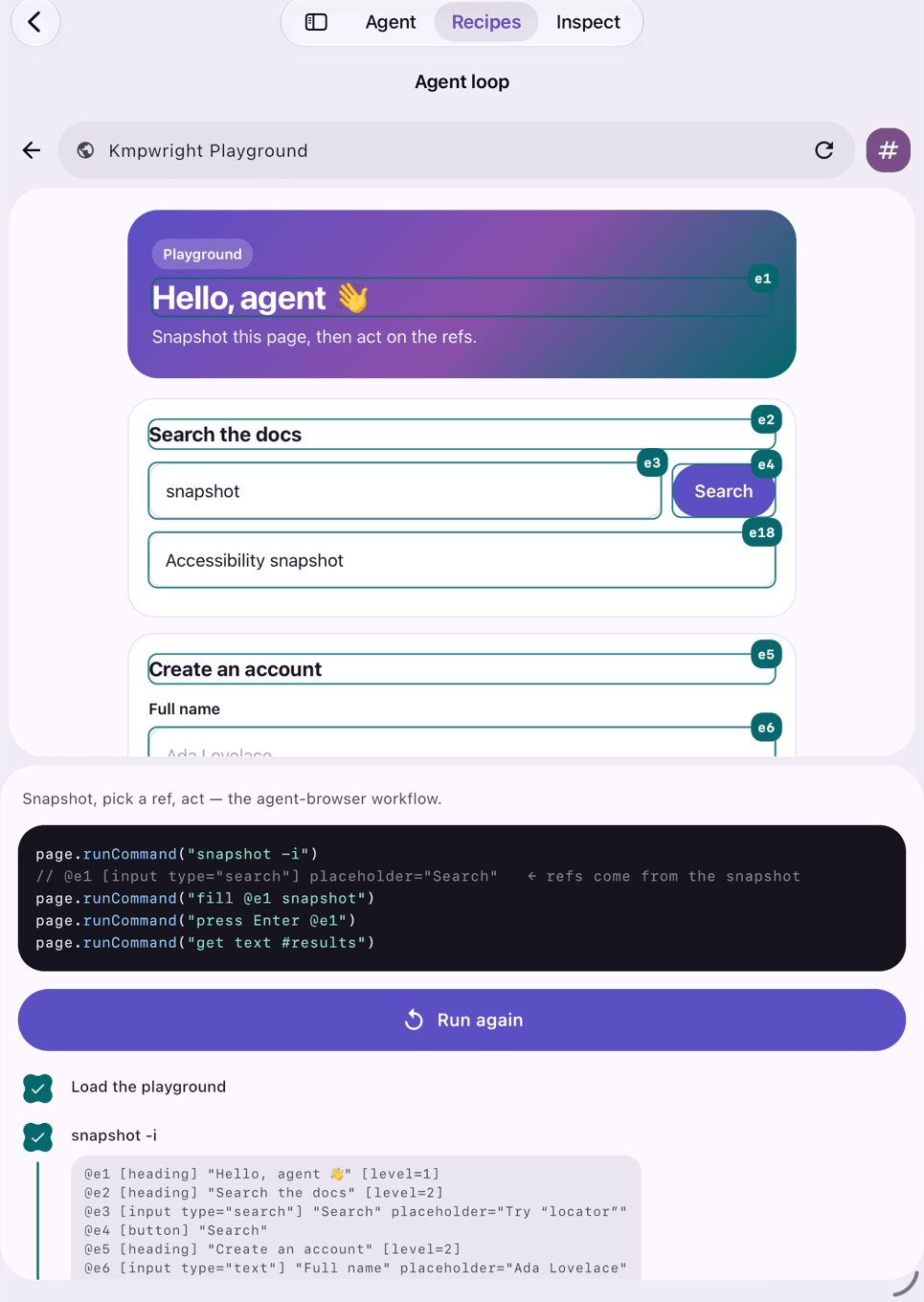
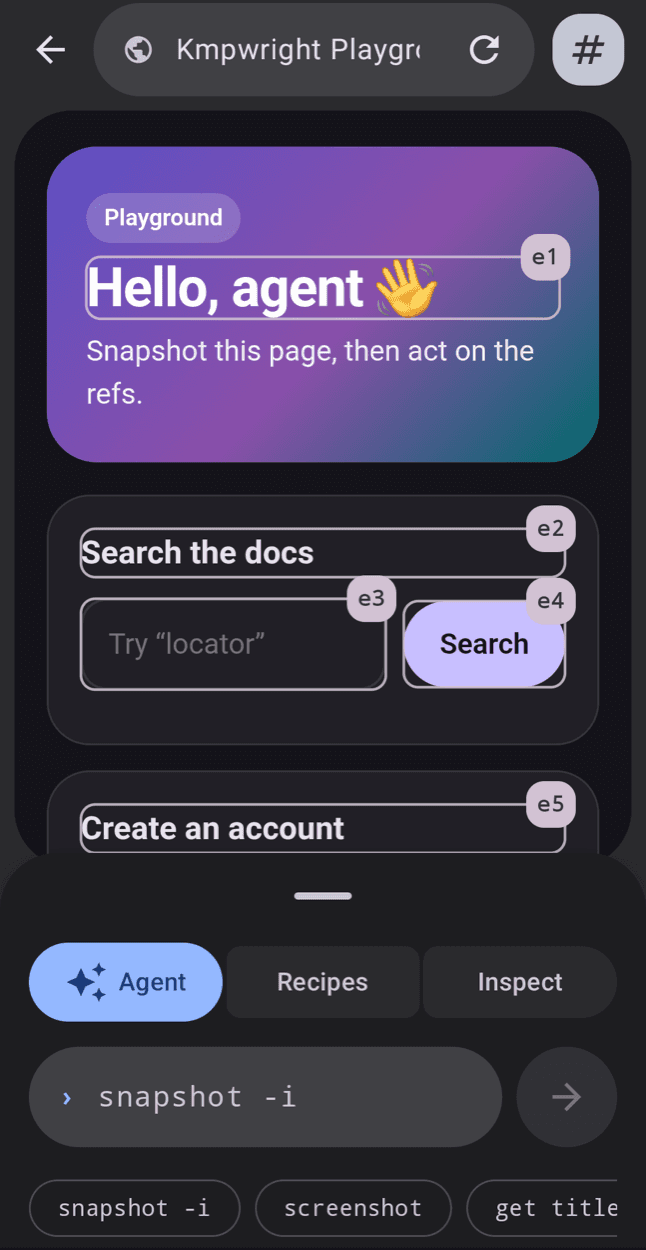
The agent reads a short list of what’s on the page, then picks what to fill and click. One tool is all it needs.
❯ snapshot -i
@e1 [input type="email"] "Email"
@e2 [button] "Sign up"
❯ fill @e1 ada@example.com
❯ click @e2
Try it right here.
You’re the AI agent. Tap a suggestion or a badge on the page and watch it act.
Try it. This is KMPwright, live.
The real Kotlin engine, compiled to JavaScript, driving the page below.
Loading KMPwright…
What you can build.
AI assistants that get things done
Let an AI fill a form, find an answer or finish a checkout for your users, right inside your app.
Learn moreTests on real phones
Check that your web screens work on the devices your users actually have.
Learn moreLess busywork
Automate the repetitive web steps in your app, like signing in or filling in details.
Learn moreOne line to get started.
Works on Android, iOS and desktop. Free and open source.
implementation("io.github.bernaferrari:kmpwright-core:0.0.1")